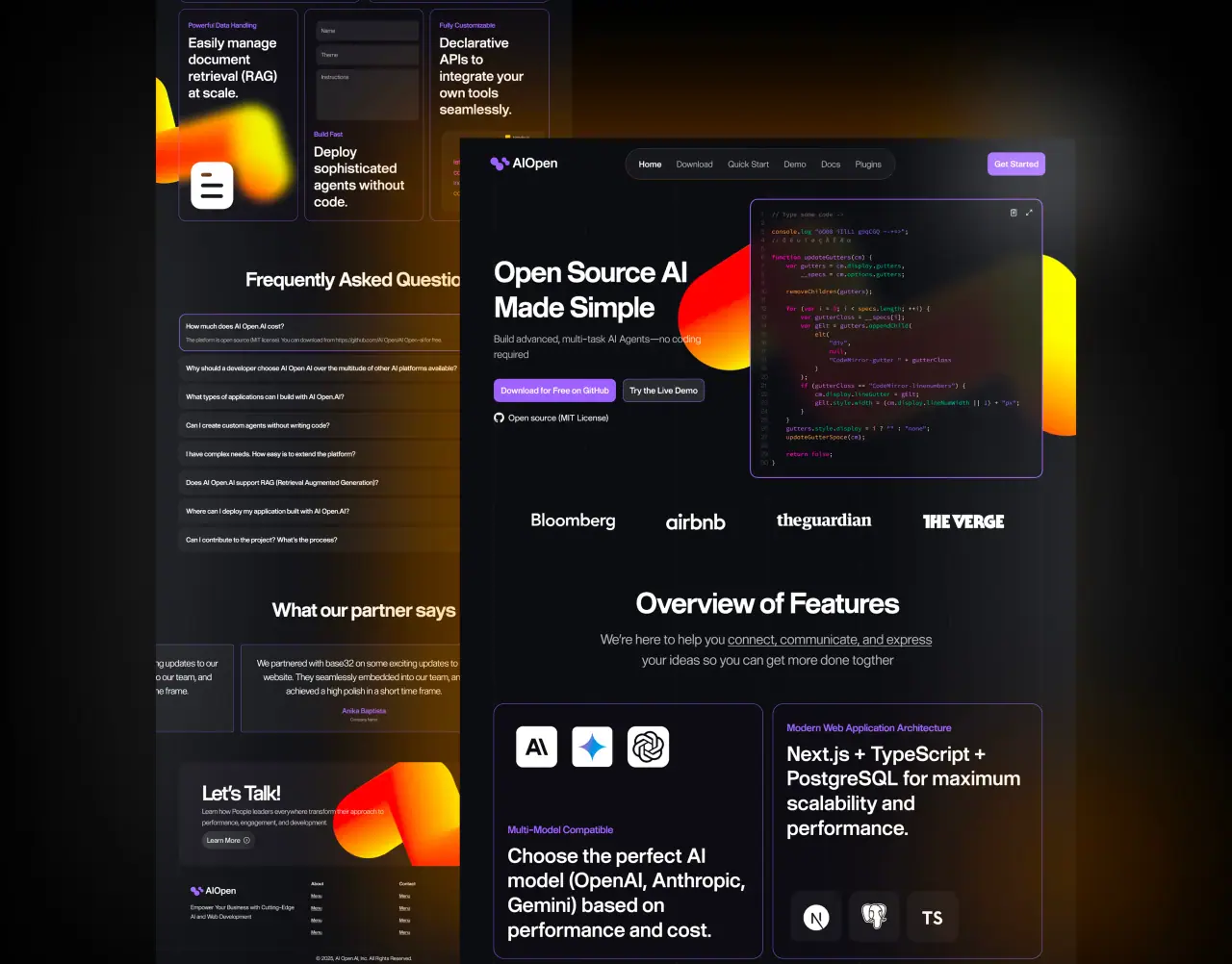
AI and machine learning can make a digital product feel effortless — or confusing and untrustworthy. The difference is not the model. It is how the AI is designed into the user experience and integrated into the software.
Key takeaways
- AI should remove friction and effort for users — not add novelty for its own sake.
- The best AI features are personalization, smart automation, search, and assistance.
- AI-driven interfaces still need clear feedback, control, and graceful fallbacks.
- Design and engineering must plan AI features together, from data to UX.
Why AI Belongs in Modern Digital Products
Users increasingly expect products to anticipate their needs — surfacing the right content, automating repetitive steps, and answering questions instantly. AI and machine learning make that possible when applied to the right problems.
But AI is a means, not a goal. A recommendation engine, smart search, or an assistant only earns its place if it measurably reduces effort, saves time, or improves the outcome for the user and the business.
- Anticipate user intent and reduce manual steps
- Turn large data into clear, actionable guidance
- Only add AI where it improves a real outcome
Where AI and Machine Learning Actually Help
The highest-value AI features tend to cluster around a few patterns: personalization (tailoring content and recommendations), smart automation (classifying, summarizing, or routing work), natural-language search, and in-product assistants that answer questions or draft content.
Machine learning also shines in analytics — detecting anomalies, forecasting trends, and scoring leads or risk. The common thread is that AI handles the heavy lifting while the interface keeps the user in control.
- Personalization and recommendations
- Automation: classify, summarize, route, and draft
- Natural-language search and in-product assistants
Designing AI Features Users Can Trust
AI features fail when they feel like a black box. Good AI UX explains what the system is doing, shows confidence or sources, and always leaves the user in control with the ability to edit, undo, or override.
Design for the imperfect case, too. Models are probabilistic, so interfaces need graceful fallbacks, helpful empty states, and honest messaging when the AI is unsure — this is what preserves trust over time.
- Clear feedback: what the AI did and why
- User control: edit, undo, override, opt out
- Graceful fallbacks when the model is uncertain
Integrating AI Into the Software
Most teams do not need to train models from scratch. Modern products integrate hosted AI APIs and vector search, wrap them with clear application logic, and add caching, rate limits, and monitoring for cost and reliability.
The engineering priorities are data quality, privacy, latency, and cost control. AI features should be built behind clean interfaces so they can be improved or swapped without rewriting the product.
- Use hosted AI APIs and vector search where possible
- Plan for data quality, privacy, latency, and cost
- Isolate AI behind clean, swappable interfaces

How NeoDimensional Builds AI-Ready Products
NeoDimensional is a US-based UI/UX design and software development agency, founded by Guljar Hosen. Because design and engineering sit in one team, we plan AI features end to end — from the user problem and interface to the data and integration.
That means AI that feels helpful and trustworthy, not gimmicky: clear UX, reliable integration, and a build that stays maintainable as models evolve. If you are adding AI to a product, we can help you scope it around real user value.
- AI planned together by designers and engineers
- Helpful, transparent AI UX — not gimmicks
- Reliable, maintainable AI integration