What a web application is, explained in plain language: how it works behind the screen, its main parts, common types with examples, and the technology choices that usually sit underneath.
Key takeaways
- A web application is software that runs in the browser and remembers users and their data.
- It has three main parts: the interface, the server logic and the database.
- Common types include booking systems, dashboards, portals and SaaS products.
- Proven, mainstream technology is usually the right choice for a first release.
A plain definition
A web application is software you use through a browser without installing anything. Unlike a website that shows the same pages to everyone, an application responds to who you are and what you do: it signs you in, saves your work, runs calculations and shows you your own data.
Online banking, a booking system, a project management tool and an online store's checkout are all web applications, even when they sit inside a website.
How it works behind the screen
When you click a button, the interface in your browser sends a request to a server. The server checks who you are, applies the business rules, reads or writes the database, and sends back a result that the interface shows you. All of this usually takes a fraction of a second.
Because the logic and data live on the server, you can use the same account from a laptop and a phone, and the business can update the application without anyone installing anything.
The main parts of a web application
Every web application has the same basic parts, whatever it does. The table names them and what each is responsible for.
| Part | What it does | Common technology |
|---|---|---|
| Interface (front end) | What users see and click | React, Next.js |
| Server logic (back end) | Rules, permissions, calculations | Node.js, serverless functions |
| Database | Stores users and data safely | PostgreSQL, MySQL |
| Authentication | Sign-in, roles and permissions | Built in or a managed service |
| Integrations | Payments, email, other systems | Stripe, email and CRM APIs |
Common types of web application
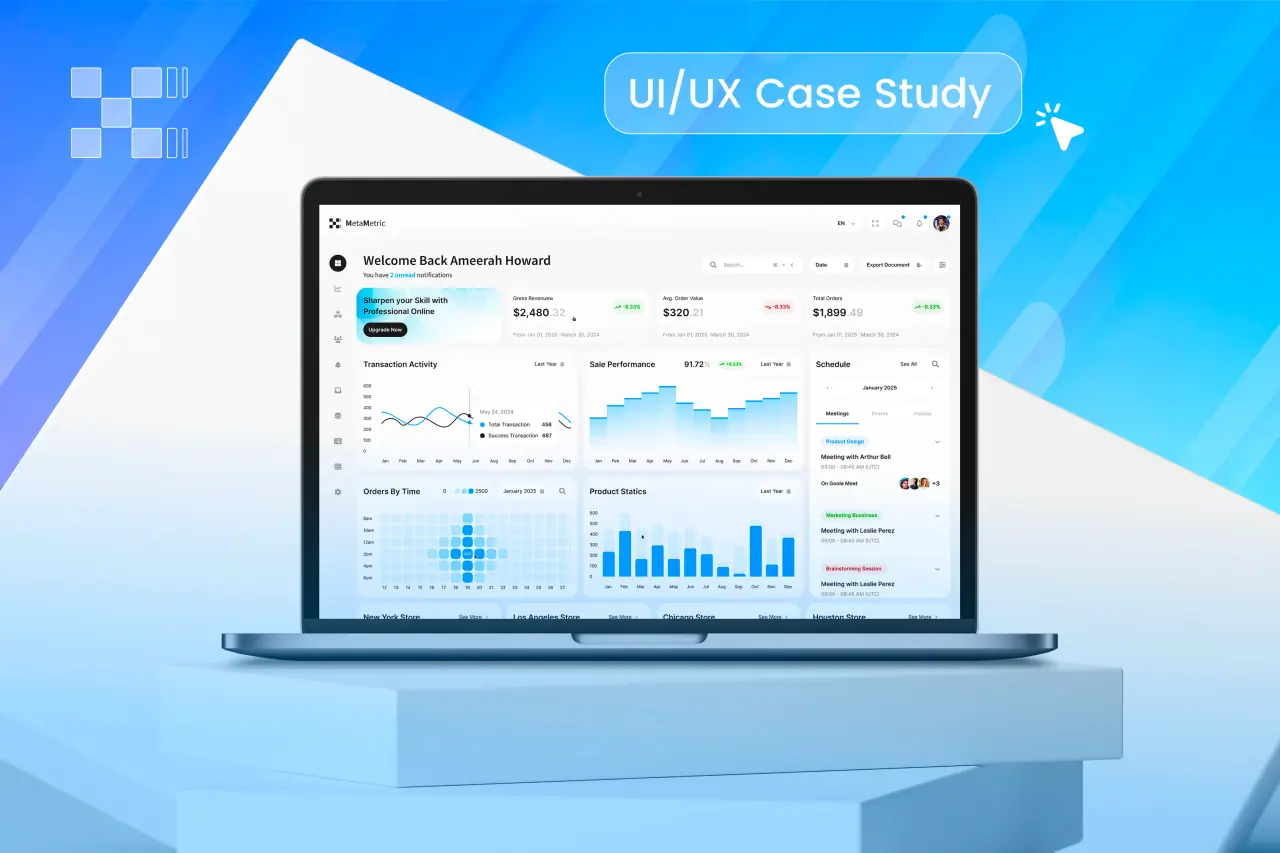
Most business applications fall into a few families. Booking and reservation systems check availability and take payment. Dashboards turn data into decisions. Customer and partner portals let people see their orders, documents or accounts. Internal tools replace spreadsheets for staff. SaaS products sell the software itself by subscription.
Related: custom web application development.
- Booking and reservation systems
- Dashboards and analytics tools
- Customer and partner portals
- Internal tools that replace spreadsheets
- SaaS products sold by subscription
Web apps, mobile apps and progressive web apps
A web application runs in any browser from a single codebase. A native mobile app is installed from an app store and can use more of the phone's features. A progressive web app sits between the two: a web application that can be added to the home screen and work partly offline.
For most business tools, a responsive web application is the fastest and cheapest route, and a native app can follow if users truly need one.
Choosing the technology
For a first release, mainstream technology beats novelty. Popular tools have more developers who know them, more libraries, better security updates and more answers when something goes wrong. That makes the product cheaper to maintain and easier to hand to another team later.
What matters more than the exact stack is that you own it: the code in your repository and the hosting in your account.
Deciding whether you need one
If you are unsure whether your idea needs an application or a website is enough, our decision guide to website versus web application compares cost, timeline and examples. With us, a web application starts at $4,999, designed and built.